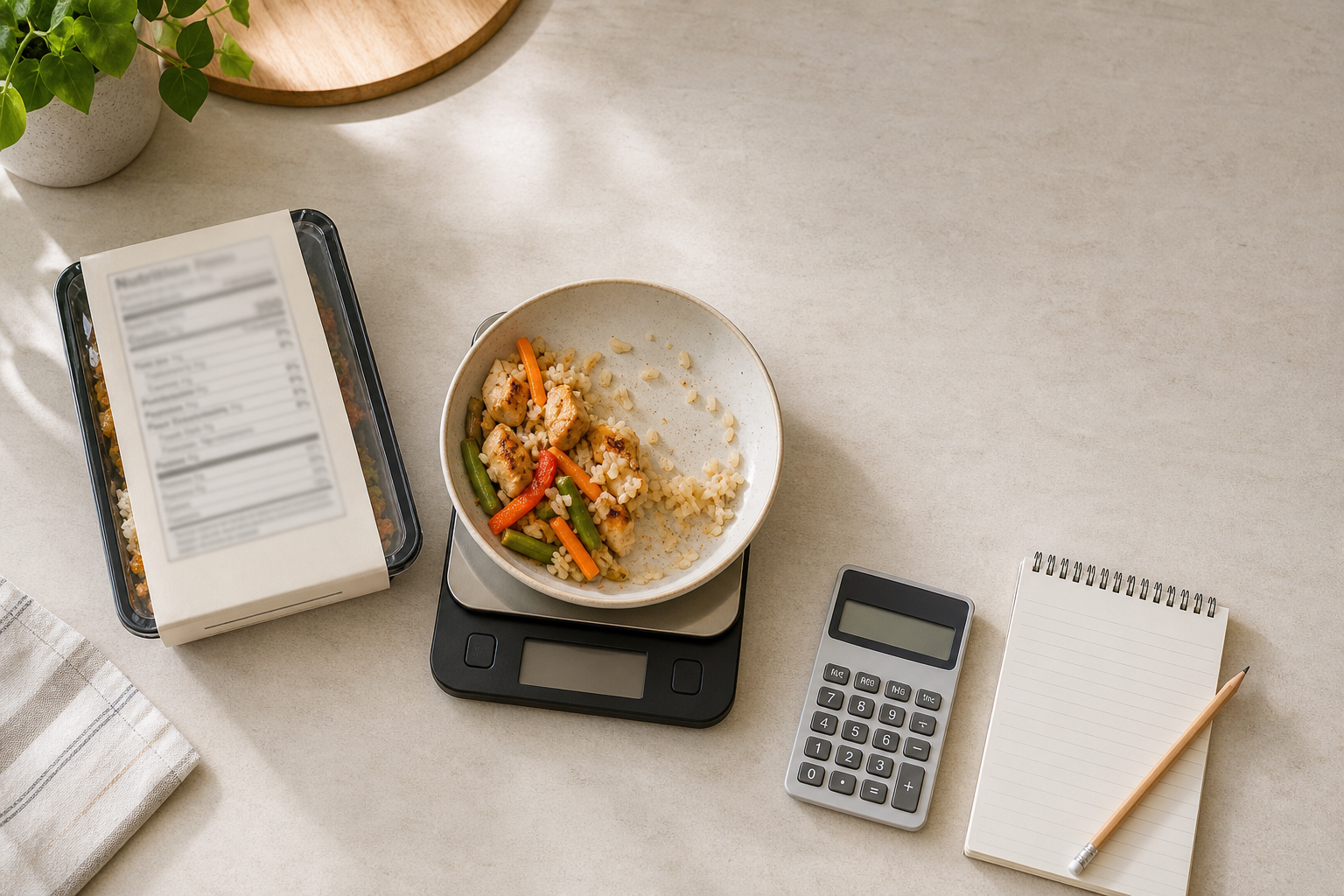
Divide the amount you actually ate by the label’s serving amount to get a portion multiplier. Then multiply the label’s calories, protein, carbohydrate and fat by that same number. For example, if a serving is 30 g and you ate 45 g, your multiplier is 45 ÷ 30 = 1.5. Apply 1.5 to every listed value; do not recalculate a different factor for each macro. Use the same unit on both sides of the division, and keep more decimals until the end to avoid compounding rounding. The result is a scaled estimate, not a new laboratory measurement.
The One-Factor Method
Every ordinary portion conversion can be represented by two lines and one shared factor:
portion multiplier = actual amount eaten ÷ labelled serving amount
scaled value = label value × portion multiplier
If the multiplier is less than 1, you ate less than one labelled serving. If it is 1, you ate one serving. If it is greater than 1, you ate more than one serving. This is a reasonableness check before you do any multiplication.
Calories are not a macronutrient, so keep them as a separate row. The macro rows are protein, carbohydrate and fat. If your label displays other figures, scale them only if they are relevant to your purpose; the method is the same.
The AMOUNT Framework
The arithmetic is easy. The harder part is defining the numberator and denominator correctly. Use this six-part framework before touching a calculator:
- A — Actual consumed amount. Measure what was swallowed, not what was served. Leave out remains, discarded sauce or anything left in the package.
- M — Matching units. Grams divide by grams; millilitres by millilitres; pieces by pieces. Do not divide 45 g by one “cup” without a verified conversion.
- O — One label basis. Confirm whether the nutrition values are for one serving, per 100 g, per package or for the food as prepared. Use the amount that the values actually refer to.
- U — Uniform multiplier. Calculate the factor once and apply it to calories and all three macros.
- N — Numerical review. Check the direction first: a bigger portion must not produce smaller scaled values. Then check the decimal placement.
- T — Traceable record. Keep the label serving, the actual amount and the unrounded multiplier with the result. Without those inputs, you cannot audit or correct the entry later.
This framework prevents a common process error: doing precise multiplication on the wrong portion basis.
Example: Scaling a 45 g Portion from a 30 g Serving
This is a hypothetical label, not a claim about a real product.
Suppose a label shows this information for one 30 g serving:
- Calories: 160
- Protein: 4 g
- Carbohydrate: 22 g
- Fat: 6 g
You weigh the amount you actually ate as 45 g.
Step 1: calculate one multiplier.
45 ç 30 = 1.5
Step 2: apply 1.5 to each label value.
| Item | Label value for 30 g | Calculation | Scaled value for 45 g |
|---|---|---|---|
| Calories | 160 | 160 × 1.5 | 240 |
| Protein | 4 g | 4 × 1.5 | 6 g |
| Carbohydrate | 22 g | 22 × 1.5 | 33 g |
| Fat | 6 g | 6 × 1.5 | 9 g |
The entry to record is therefore 45 g with 240 calories, 6 g protein, 33 g carbohydrate and 9 g fat. The check is straightforward: 45 g is 1.5 times 30 g, so every nutrition value should also be 1.5 times the label value.
Which Input Method Should You Use?
Pick the method that needs the fewest assumptions. This decision table is a routing tool, not a conversion table:
| Situation | Best input | Calculation | Key check |
|---|---|---|---|
| You weighed the food you ate | Edible weight eaten | eaten weight ç label serving weight | Both weights use the same unit |
| You ate a countable number of identical pieces | Pieces eaten | pieces eaten ç pieces per serving | The pieces really match the label description |
| You ate the whole package | Servings per package | value per serving × servings per package | Confirm the label is per serving, not already per package |
| You weighed the package before and after eating | Start weight minus remaining weight | consumed weight ÷ LABel serving weight | Subtract the same container or cleanly account for it |
| The label is per 100 g or 100 ml | Actual amount | actual amount ÷ 100 | Use grams with grams or millilitres with millilitres |
| The food needs added ingredients | The finished amount and applicable label basis | Only calculate once you know what the printed values cover | Do not assume added oil, milk or other ingredients are included |
If your situation does not fit a row, do not force a conversion. Record what you know and mark the result as uncertain.
A Fill-In Portion Worksheet
Use this template on paper, in a note or beside your food entry:
Label basis:                     per [___] g / ml / pieces
Serving amount (S):              [___]
Serving unit:                    [___]

Actual edible amount eaten (A): [___]
Actual unit:                     [___]

Units match?                     [yes / no]
Multiplier M = A ÷ S:            [___]

Calories:   label [___] × M = [___]
Protein:     label [___] g × M = [___] g
Carbohydrate: label [__] g × M = [___] g
Fat:           label [___] g × M = [___] g

Reasonableness check: bigger / same / smaller than label serving
Rounding done only at the end? [yes / no]
Confidence note: [directly weighed / counted / estimated]
The “label basis” line matters when a package gives both a weight and a household measure. Choose one complete path through the calculation; do not use the weight for the multiplier and a scoop or cup for a different row.
Implementation: From Package to Saved Entry
1. Capture the label basis
Being with the serving size, servings per container and the nutrition rows. If preparation instructions change what the values refer to, keep that part of the label with your notes.
2. Measure the edible amount
Prefer a direct weight of the amount eaten. If you cannot do that, weigh the original amount and the remainder on the same basis, then subtract. For example, a start weight of 260 g and a remaining weight of 185 g means 75 g was consumed. If the label serving were 50 g, the multiplier would be 75 ÷ 50 = 1.5.
3. Scale before rounding
Enter the full multiplier into your calculator. Scale each row from the same label column. Only then round to a level that is useful for your record; excess decimal places do not make the original inputs more precise.
4. Do a two-direction check
- Did you eat more or less than the label serving?
+ Does the multiplier point the same way? + Did each scaled value move by the same proportion?
If any answer is no, return to the units and label basis instead of patching the result.
5. Review and save
Keep the photograph or written label values next to the scaled entry. If you want a digital review step, the Eat Easier Food Scanner can photograph a meal or label, return a useful calories-and-macros estimate, and save the result. Treat the scanned result as a review and record, rather than replacing your direct weight and label-based arithmetic.
Pre-Save Review Checklist
- [ ] I captured the serving amount and its unit.
- [ ] I confirmed that the nutrition values refer to that serving.
- [ ] I measured what I actually ate, not merely what I served.
- [ ] The label amount and my actual amount use the same unit.
- [ ] Actual amount ÷ label amount equals my recorded multiplier.
- [ ] I applied that one multiplier to calories, protein, carbohydrate and fat.
- [ ] I rounded at the end, rather than rounding each intermediate step.
- [ ] The scaled values move in the same direction as the portion size.
- [ ] The label and all relevant nutrition rows are readable in the photo.
- [ ] I kept a note of any estimated input, mixed dish or missing ingredient.
- [ ] I reviewed the final entry before saving.
Limitations
This method proportionally scales what is printed on the label. It cannot make the printed values more precise, correct an inaccurate scale, or reconstruct food that was left behind.
The calculation is weaker when the serving is described only by volume but you measured weight, when pieces vary substantially in size, or when food is not uniformly mixed. A portion taken mostly from one part of a mixed product may not have the same composition as the product overall.
Package weight and edible weight are not automatically the same. Containers, discarded liquid, bones or other uneaten material can make a package-based subtraction unsuitable. Similarly, preparation can change the total weight of a food. Do not swap a dry weight for a prepared weight unless the label explicitly provides that basis.
A calculator, photo or scanner cannot recover a missing measurement without an assumption. If you did not measure the amount eaten, record an honest range or mark it as an estimate instead of add ing spurious decimals.
Finally, this is a practical recording method, not individual medical or dietetic advice. When a nutrition record has clinical consequences, use the method and professional guidance appropriate to your situation.
Frequently Asked Questions
What if the label says “about” or uses a fractional serving?
Use the printed serving amount as the denominator, but keep the result labelled as an estimate. The multiplier still needs more precise inputs to produce a more precise output.
Can I use cups for the label and grams for what I ate?
Not directly. The two amounts must be in matching units. Use a weight given on the label, or use a verified conversion specific to that food. Do not treat a cup as a universal number of grams.
What if I ate two thirds of the package?
If the label values are for the whole package, multiply each value by two thirds. If the values are per serving, multiply two thirds by the number of servings in the package first. Alternatively, use the eaten weight divided by the label serving weight.
Should I round the portion multiplier?
Not before using it. Keep the calculator’s full result, apply it to each value, then round the final numbers for your record. This avoids adding a second rounding step to every row.
Why might scaled calories not appear to match a calculation from the macro rows?
The safest editorial practice is to treat the printed calories and printed macros as separate label inputs, then scale each by the same portion multiplier. Do not change one row merely to force a match with the others.
Can a label scanner replace the calculation?
It can help you review and save a result, but the core question remains: how much did you actually eat? If that input is missing, a clear photo cannot turn it into a direct measurement.